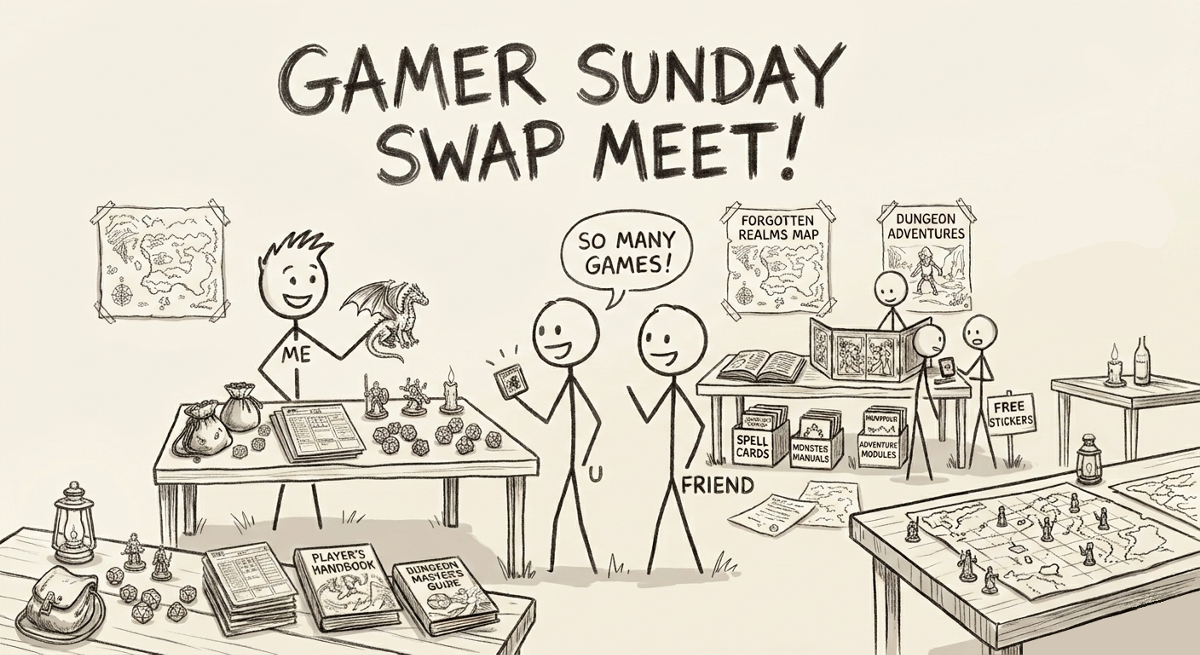
HOW TO APPLY FOR A SWAP MEET TABLE
The Tabletop Events default form kinda sucks so just follow this guide, and when in doubt type in TABLE and we'll know what you mean.
1) Go to the HOST drop-down menu and click on SUBMISSIONS.
2) Under SUBMIT AN EVENT's drop down menu choose SWAP MEET TABLE REQUEST. The form will open.
3) For EVENT NAME: put in TABLE.
4) For SHORT DESCRIPTION: put in TABLE.
5) For AGE RANGE: pick any.
6) For PREFERRED START TIME: choose GAMER SUNDAY NOV 15 AT 1PM.
7) ALTERNATIVE START TIME: choose GAMER SUNDAY NOV 15 AT 1PM.
8) DURATION: choose 4 hours.
9) MAX TICKETS: leave it at the default of 4. It does not matter for the swap meet.
The Rest of the Form is the information we need from you:
One table per person only ok?
Are you bringing your own table? If so what size is it?
Emergency Contact for cancellations?
Do you have a DISCORD Handle?
Do you agree to follow the RPGA Safe Space Code of Conduct?
Do you agree to promote this Swap Meet on social media?
Do you agree that you are entirely responsible for your own transactions?
Do you agree the RPGA assumes no liability for the Swap Meet?
CLICK START SUBMISSION
- Now review the form, check your information, if everything looks good, scroll to the bottom and...
CLICK ON SUBMIT EVENT
We know its not the best system but its the one we have so we appreciate your patience!
NEED HELP?
Please email us at rpgaconyyc@gmail.com